LAS 6292: Organization & Backups
How to Name Your Files

Example 1
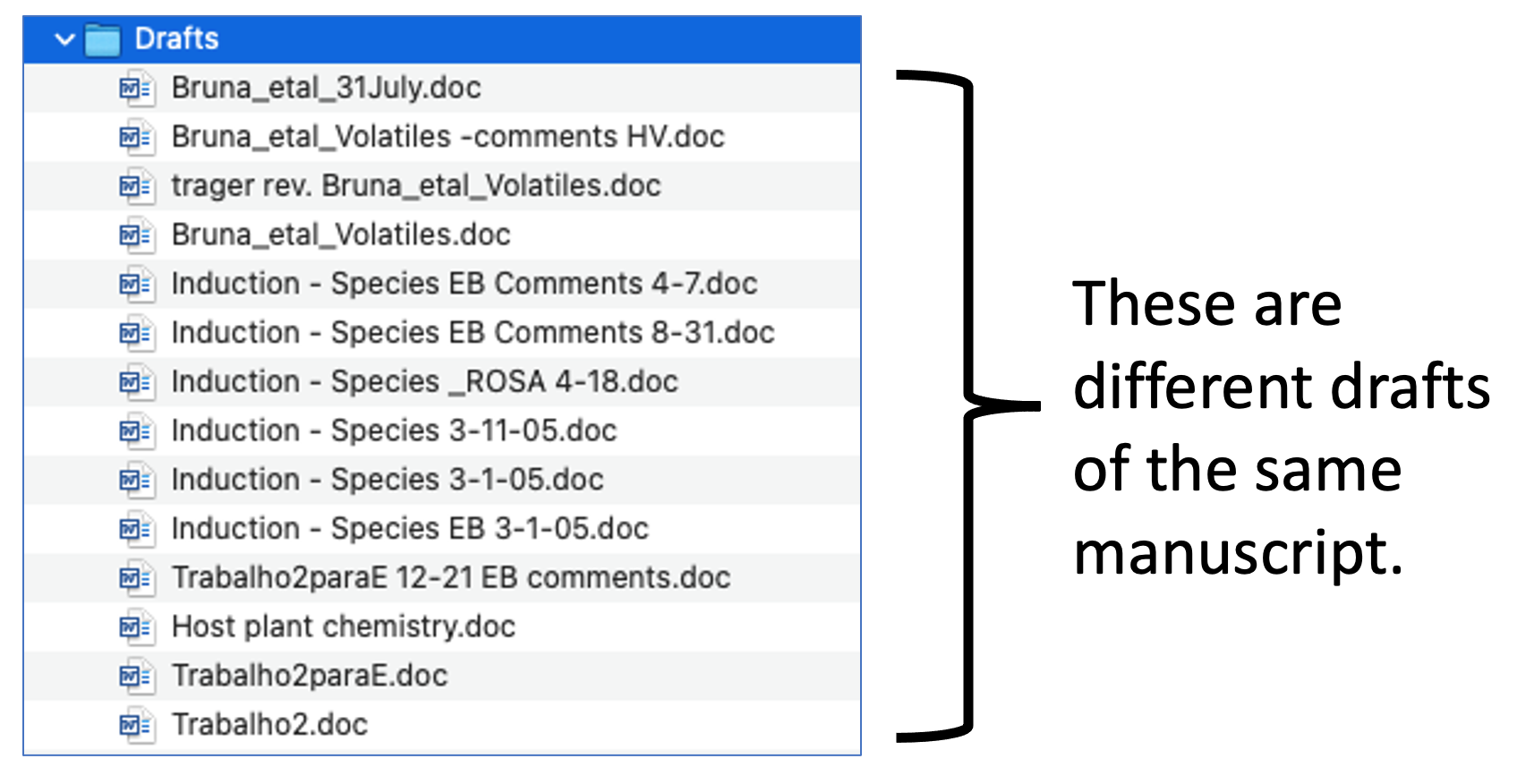

Example 2


Example 3
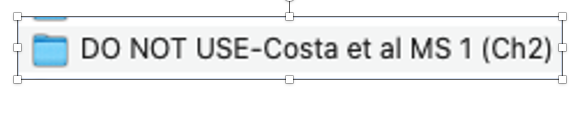
This sounds…scary.
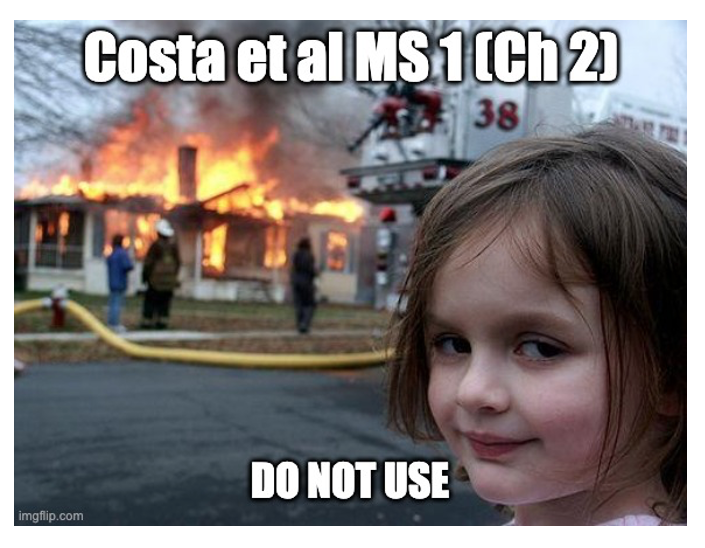
Example 4
We’ve all been there.

How should you name files?
Here are 6 things to remember.

1. Use a name that describes and uniquely identifies the file contents




- You can use descriptors like these in the name: (1) project acronym (2) location where data were collected (3) researcher name (4) year or month collected (5) type of data in file
5. Include dates in names (but be careful!)

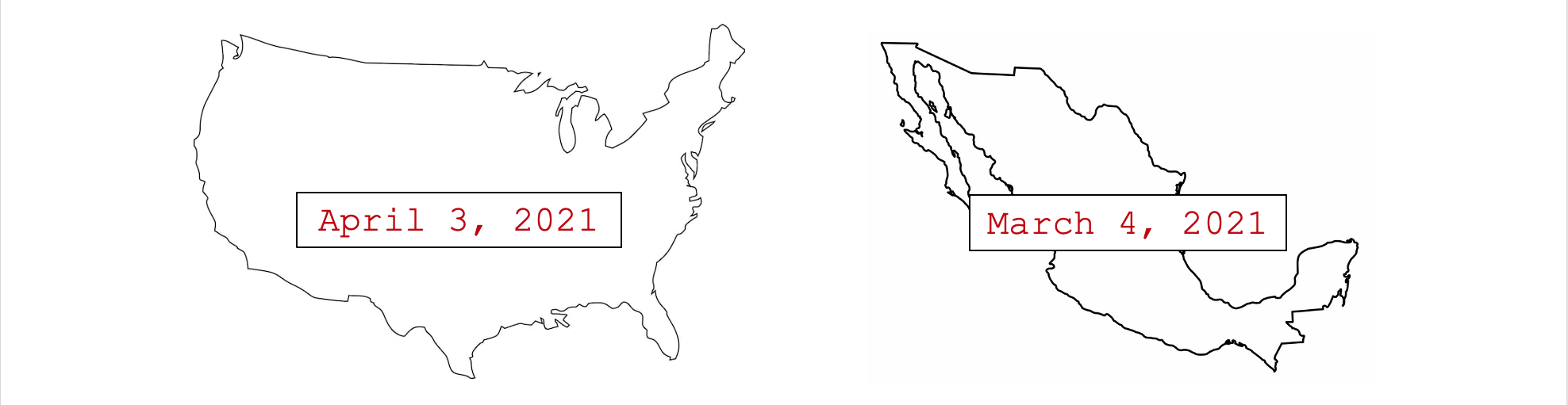
- This can lead to major problems when collaborating internationally or when team members use versions of software from different global regions.
6. Dates in names: use standard format
(ISO 8601)1
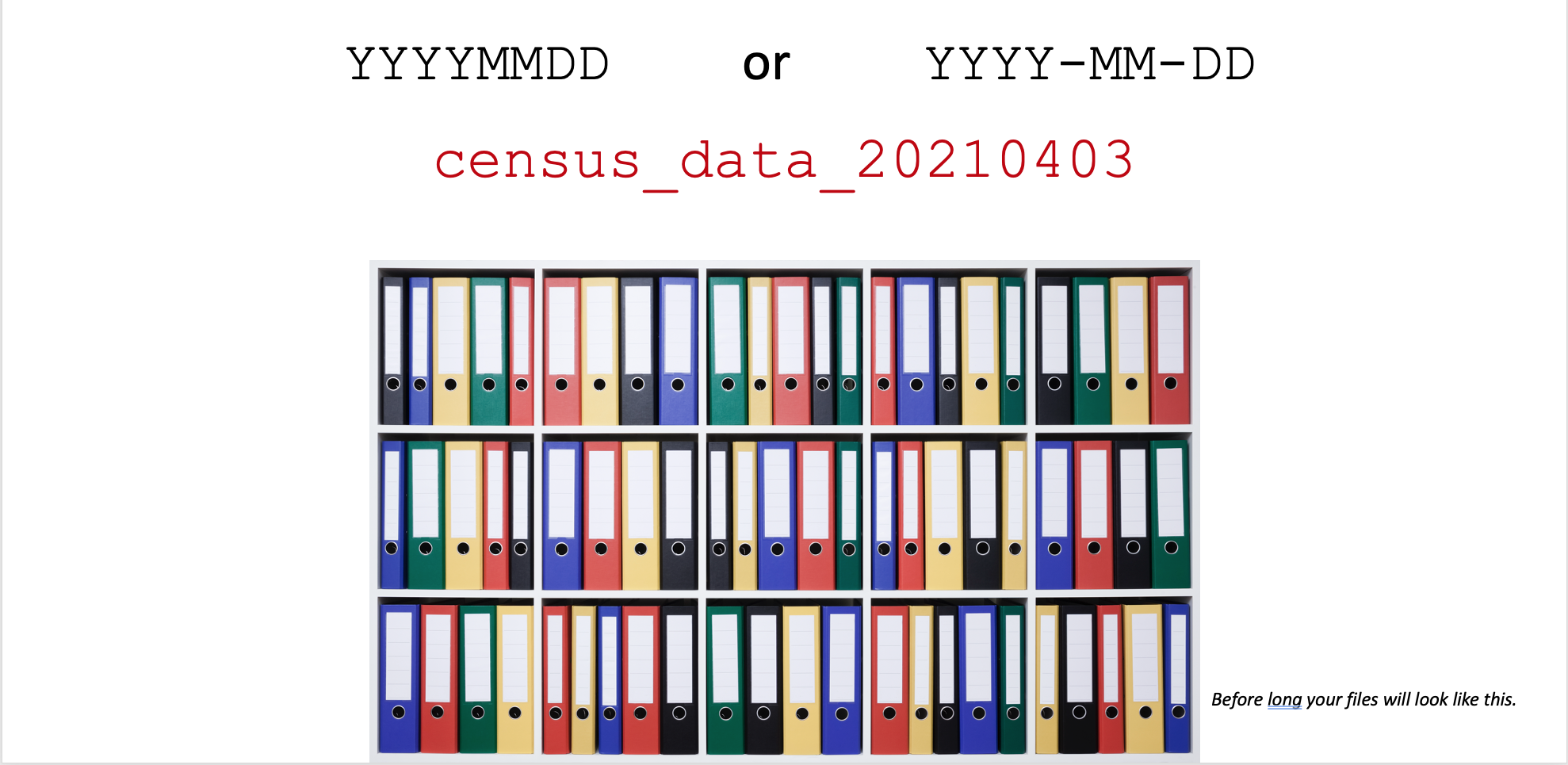
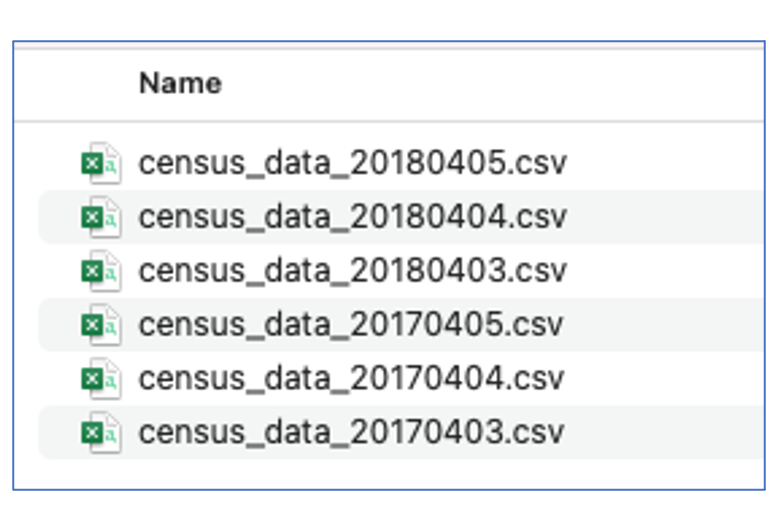
Bonus from doing 5 & 6
In addition to avoiding confusion, you can now quickly sort files chronologically.
Characters are read and sorted in order, so files with “4 April” in the name will be sorted after those with “5 April”, regardless of the year….
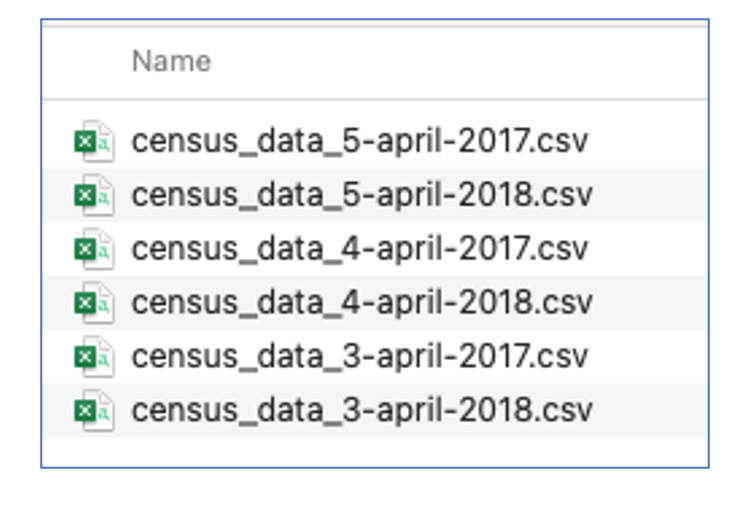
…but not when you use ISO format, which puts the year first.
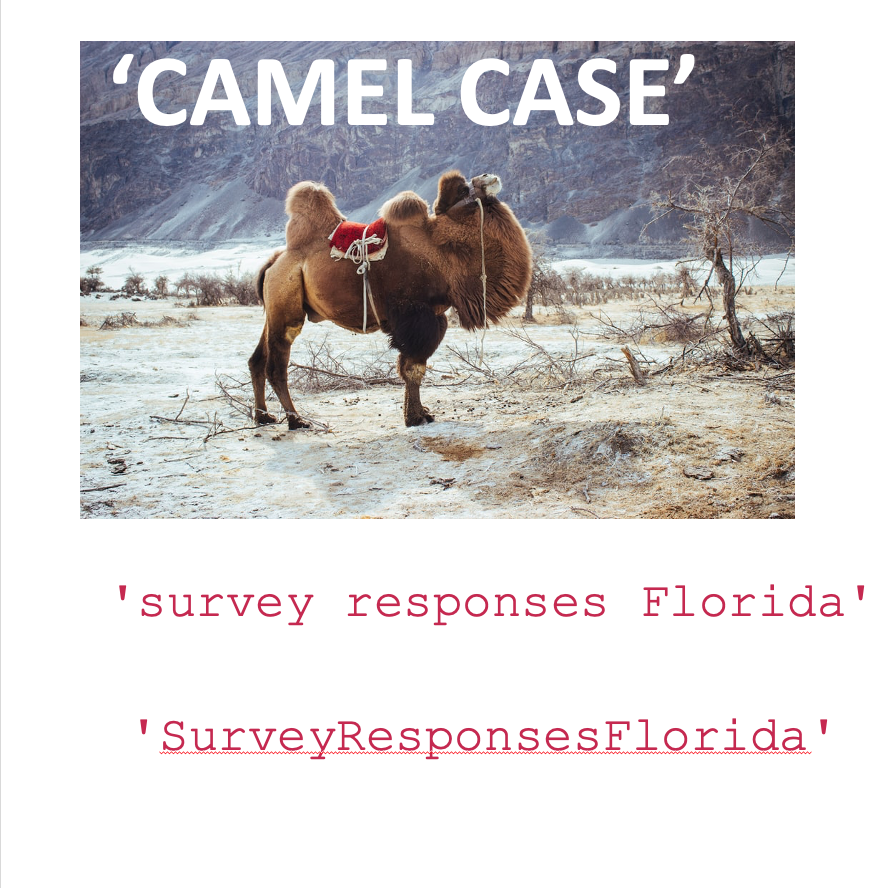
7. Use a consistent method of dealing with spaces and letter case.
There are two preferred options: